Integrations
Manage and configure your integrations
Total
3
Integrations
Available
2
Ready to use
Coming Soon
1
In development
Categories
2
Integration types
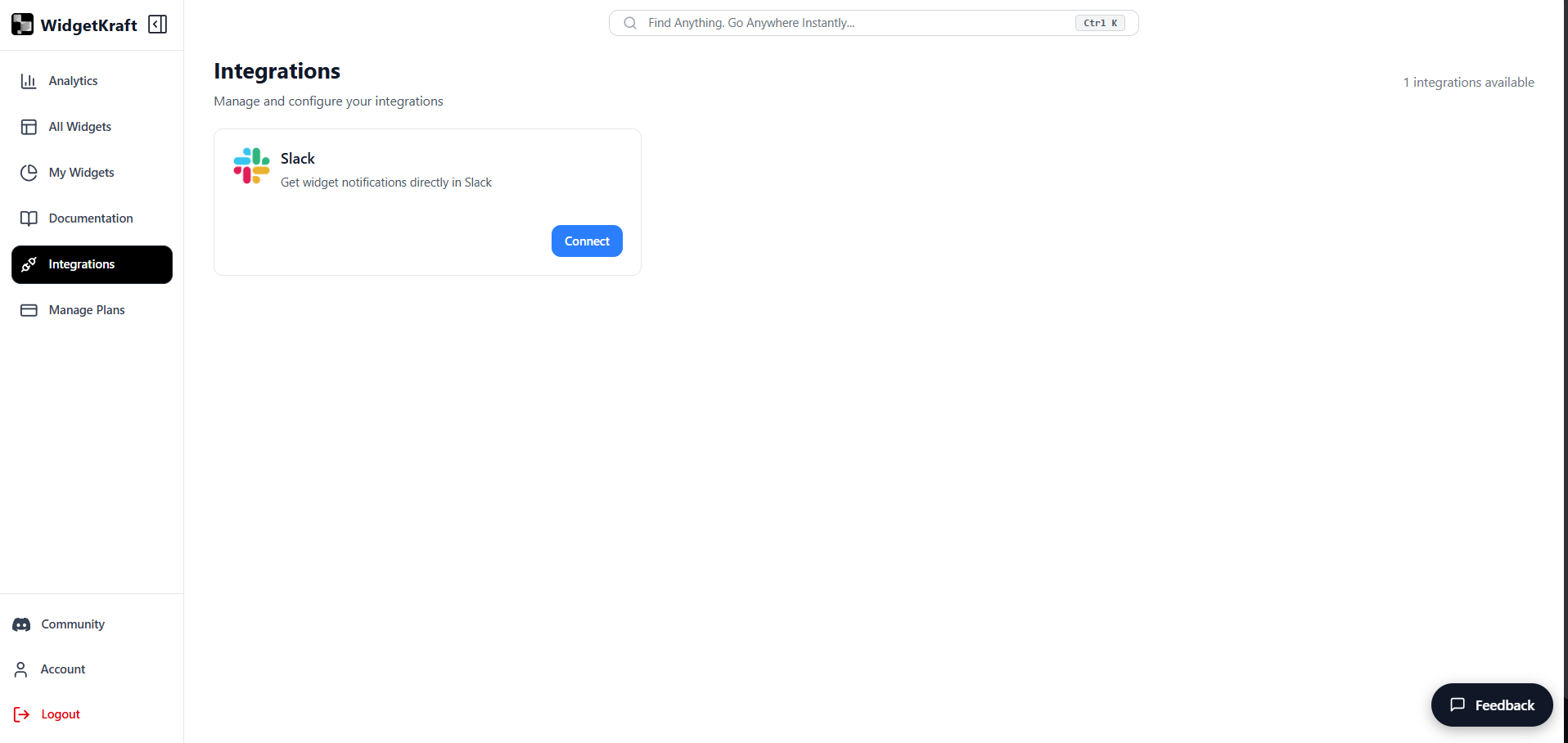
Available Integrations
Slack
Communication
Get widget notifications directly in Slack
Features
- Real-time notifications
- Channel routing
- Thread replies
- Custom alerts
Use Case: Perfect for teams that live in Slack. Get instant notifications when users submit feedback, start live chats, or fill out forms.
Discord
Communication
Send widget activity updates to Discord channels
Features
- Real-time notifications
- Thread replies
- Embed messages
- Activity logs
Use Case: Ideal for community-driven projects. Keep your Discord community informed about feedback and user interactions in real-time.
Google Calendar
Productivity & Scheduling
Automatically sync events and schedules with Google Calendar
Features
- Two-way event sync
- Automatic reminders
- Real-time updates
- Multi-calendar support
Use Case: Sync widget-generated events directly to Google Calendar. Ideal for managing bookings, reminders, meetings, and schedules in one place.
About Integrations
Purpose: Connect your WidgetKraft widgets with your favorite tools and platforms to automate workflows and streamline your operations.
What you can do here
- Connect apps like Slack and Discord
- Sync schedules to Google Calendar
- Get real-time alerts when users interact with your widgets
- Automate workflows and team collaboration
How Integrations Work
- Choose an integration from the available options
- Click Connect and authenticate with the platform
- Configure what events trigger notifications or actions
- Test the integration to ensure it is working correctly
- Your widgets will now automatically sync with the connected service
Need a Specific Integration?
Do not see the integration you need? Let us know and we will consider adding it to our roadmap.